
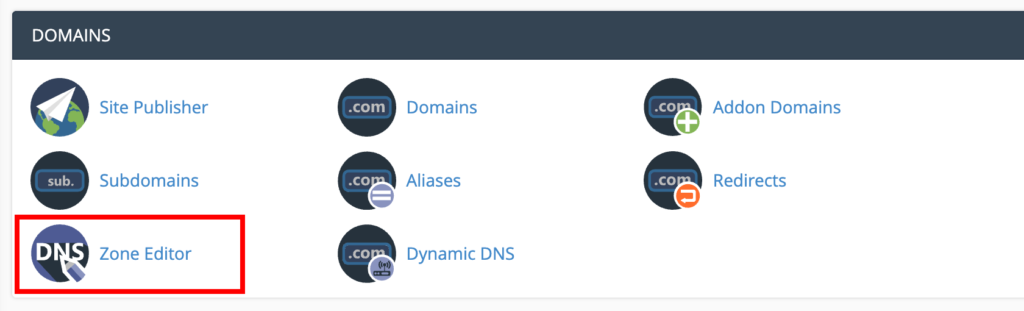
cPanel >> Domains >> DNS Zone Editor
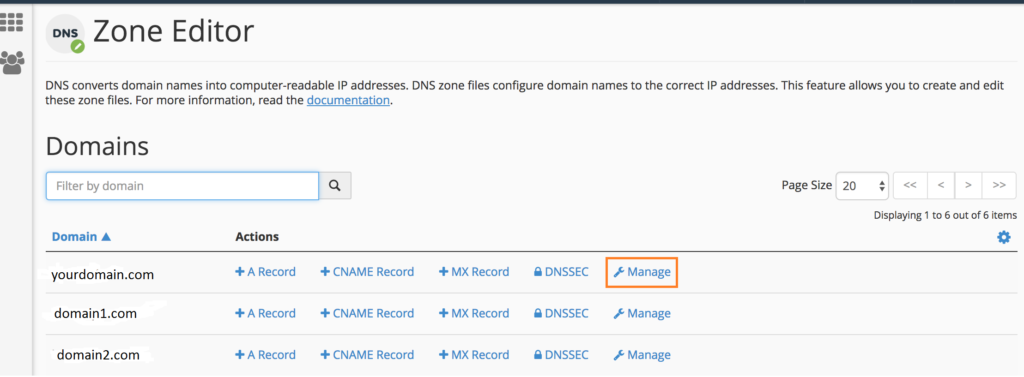
Click on the Manage button for your desired domain
Create the record entry
Type: TXT
Name/Host: _dmarc.yourdomain.com
TXT Value/Data: DMARC record value created using your account’s setup wizard or PowerToolbox
TTL: 1 hour or keep the default value
Alternatively, you can create a DMARC record for your domain, for free, using the ‘powerdmarc’ generator – DMARC record generator
Once added, click on the Add Record button.
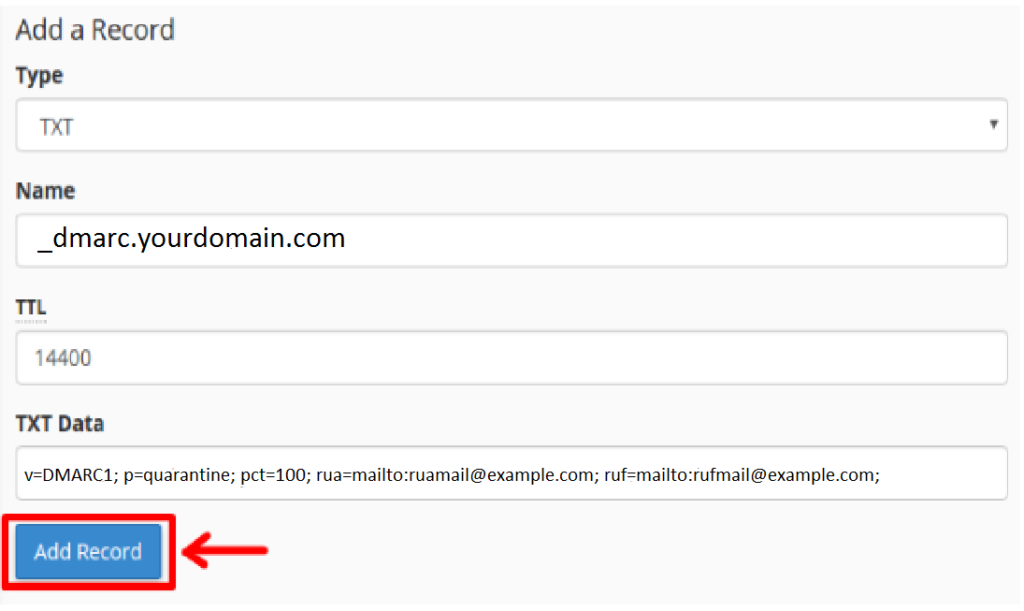
Note: Replace yourdomain.com with your domain name, and your rua and ruf email addresses with valid email addresses that are active.