Sometimes, the DNS records can be set incorrectly, sometimes through migration from another host, and sometimes just human error.
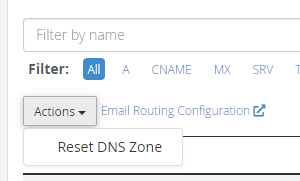
It is possible to entirely reset the DNS zone, so that the domain has all records set back to the ‘default’ records provided by cPanel.
cPanel >> Domains >> Zone Editor
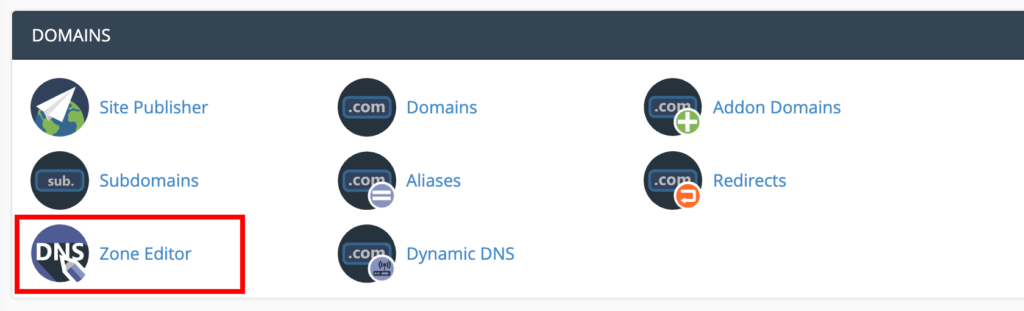
From here, select the ‘Manage’ against the domain.

Next, click ‘Actions’, then click ‘Reset DNS Zone’.