This guide details how to disable SpamExperts inbound mail filtering. This can be done per mailbox, or for an entire domain.
To disable SpamExperts for a Specific email address
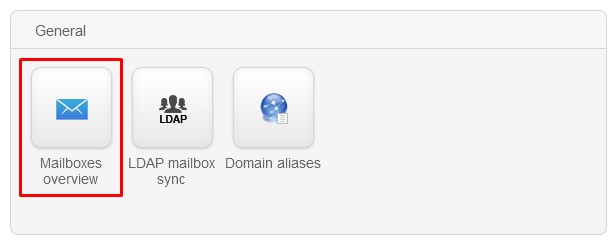
1.- Click the Mailbox Overview icon in the General section.
2.- Switch to the Mailboxes tab
3.- Click the + Add mailbox link.
4.- Enter the Mailbox name.
5.- Drop down the Filtered (Incoming) section and click No.
6.- Click Save to finish. This mailbox will no longer be filtered.
To disable SpamExperts for all email addresses
1.- Click the Mailbox Overview icon in the General section
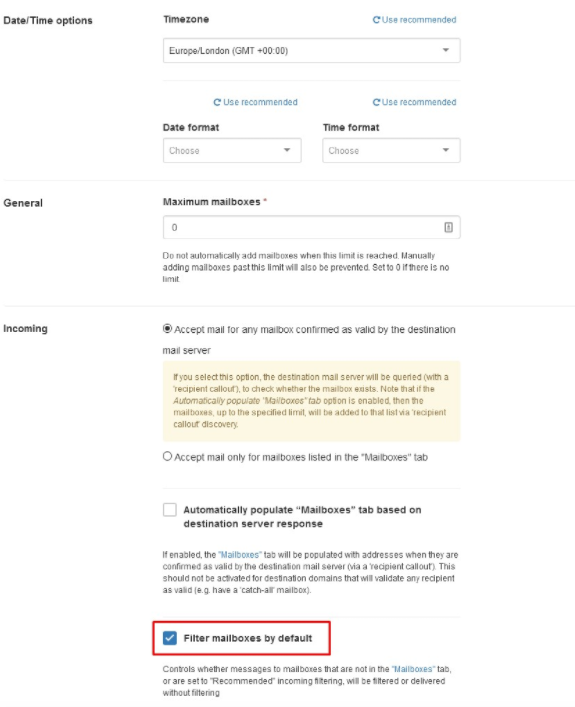
2.- Within the Configuration tab untick Filter mailboxes by default.